
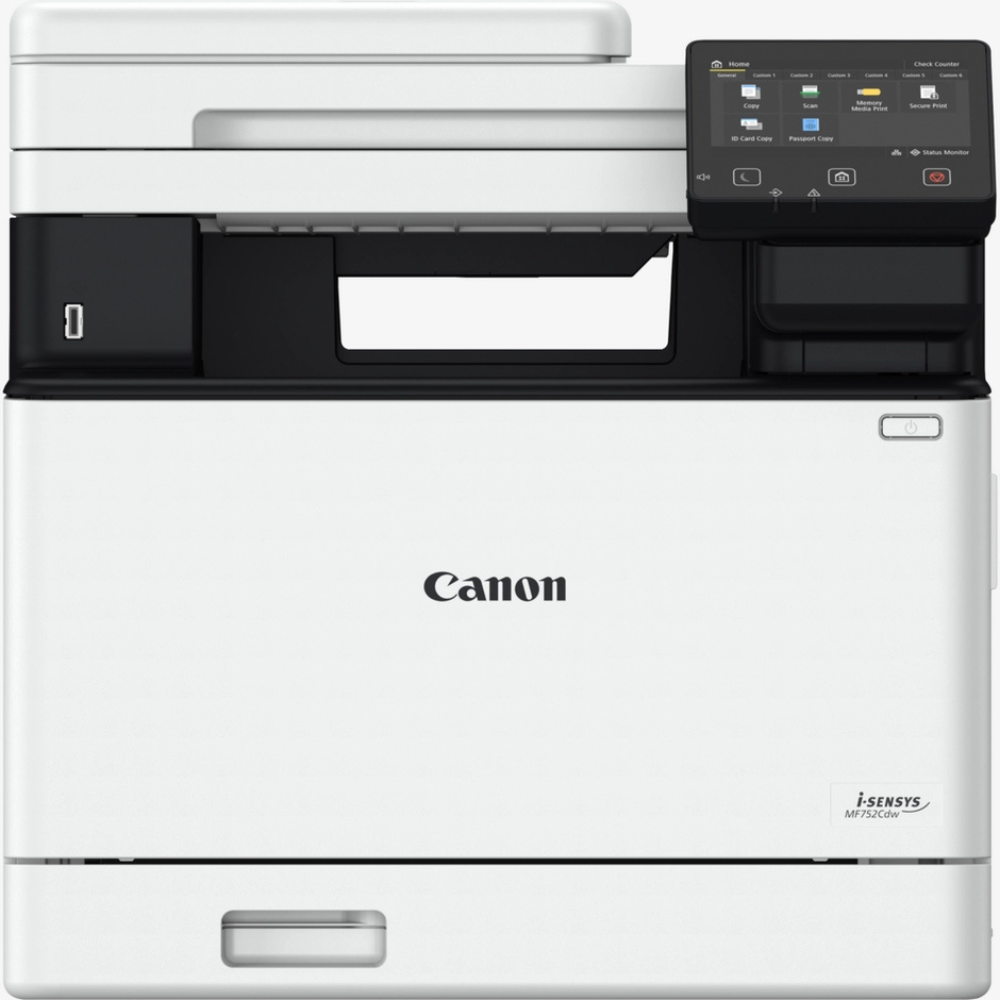
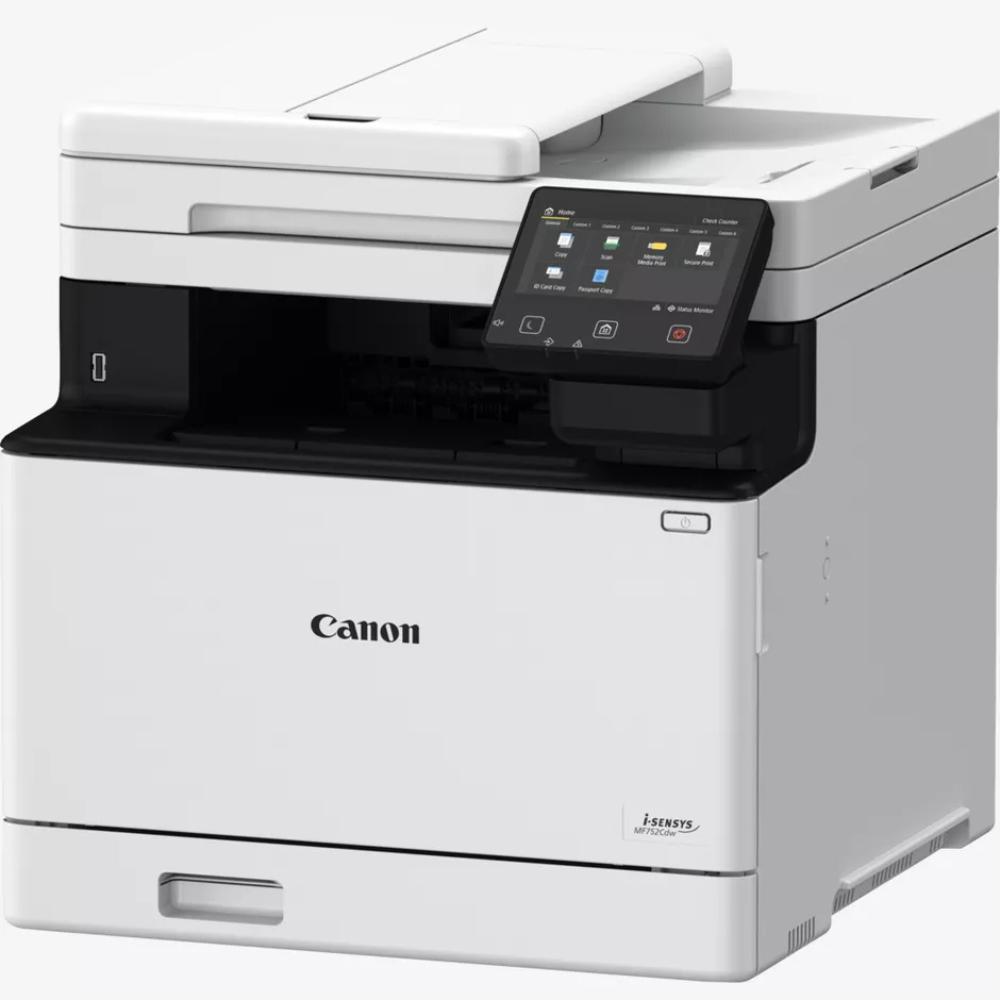
Canon i-SENSYS MF752Cdw Colour Laser Multifunction Printer
KSh 75,800.00
Features
- Brand: Canon
- Model: i-SENSYS MF752Cdw
- Printer Type: A4 colour laser multifunction printer
- Functions: Print, scan, copy
- Print Speed: Up to 33 ppm black and colour (A4)
- Two-Sided Print Speed: Up to 29 ppm black and colour (A4)
- Print Resolution: Up to 1200 × 1200 dpi equivalent
- First Page Out: Approximately 7.1 seconds black and colour
- Automatic Duplex Printing: Yes
Description
Canon i-SENSYS MF752Cdw Colour Laser Multifunction Printer – 33 ppm, Wi-Fi, Auto Duplex & Double-Sided Scanning
Description
The Canon i-SENSYS MF752Cdw is a high-performance colour laser multifunction printer designed for busy offices, small businesses, and professional workgroups. It combines printing, scanning, and copying with fast output, advanced document handling, and flexible network connectivity.
Key Features of Canon i-SENSYS MF752Cdw
- 3-in-1 functionality: Print, scan, and copy.
- Fast colour laser printing: Up to 33 ppm in black and colour on A4 paper.
- Automatic duplex printing: Print on both sides of the paper.
- Single-pass duplex scanning: Scan both sides of a document in one pass.
- 50-sheet automatic document feeder: Convenient multi-page document handling.
- High-speed scanning: Up to 100 ipm black and 80 ipm colour for two-sided A4 scanning.
- Wireless connectivity: Built-in Wi-Fi and Wi-Fi Direct.
- Wired networking: Gigabit Ethernet for shared office printing.
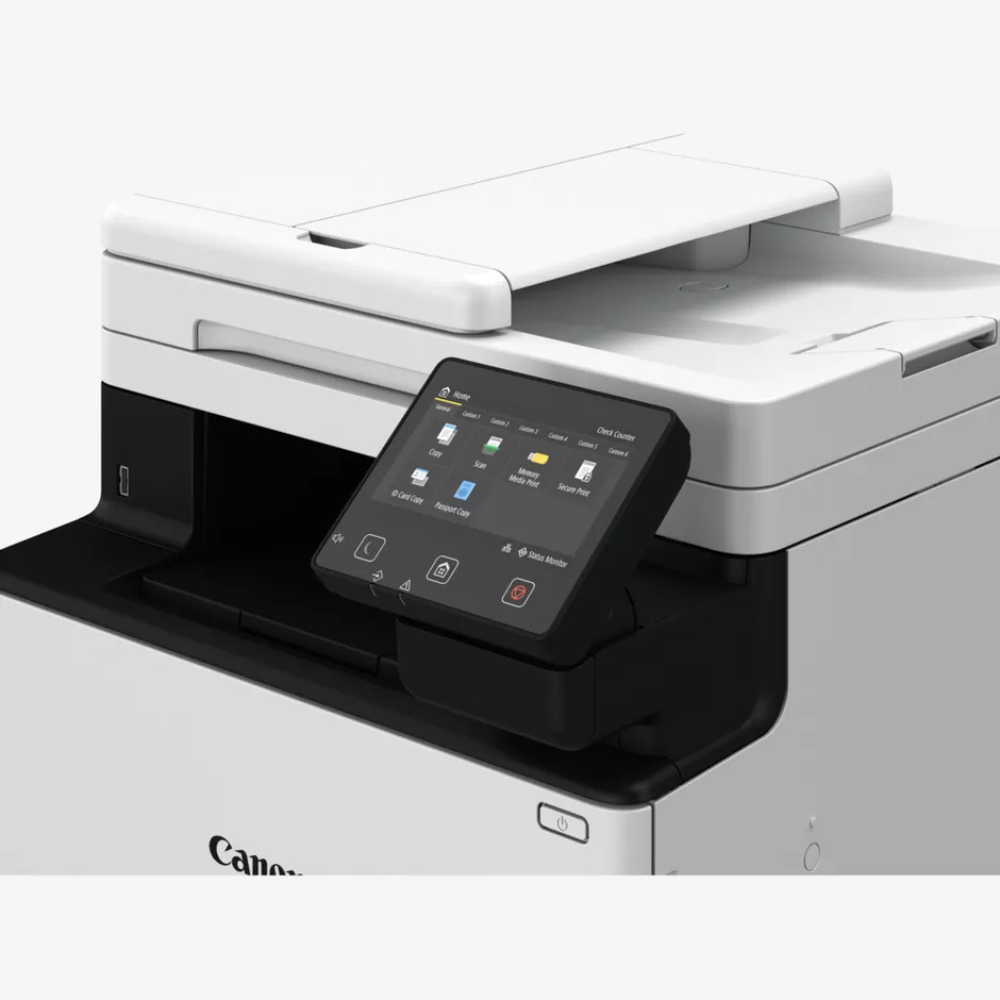
- Colour touchscreen: 5-inch display with an adjustable viewing angle.
- Mobile printing: Supports Canon PRINT Business, Apple AirPrint, Mopria, and Microsoft Universal Print.
- Secure printing: Includes user access controls and modern network security features.
- Expandable paper capacity: Optional paper feeder increases capacity for busier offices.
Detailed Specifications
- Brand: Canon
- Model: i-SENSYS MF752Cdw
- Printer Type: A4 colour laser multifunction printer
- Functions: Print, scan, copy
- Print Speed: Up to 33 ppm black and colour (A4)
- Two-Sided Print Speed: Up to 29 ppm black and colour (A4)
- Print Resolution: Up to 1200 × 1200 dpi equivalent
- First Page Out: Approximately 7.1 seconds black and colour
- Automatic Duplex Printing: Yes
- Copy Speed: Up to 33 cpm black and colour (A4)
- Scanner Type: Colour CIS scanner with flatbed and duplex ADF
- ADF Capacity: 50 sheets
- Scan Speed: Up to 100 ipm black and 80 ipm colour, double-sided
- Optical Scan Resolution: Up to 600 × 600 dpi
- Display: 5-inch colour touchscreen
- Memory: 1GB
- Connectivity: USB 2.0, Gigabit Ethernet, Wi-Fi, Wi-Fi Direct
- Mobile Printing: Canon PRINT Business, AirPrint, Mopria, Microsoft Universal Print
- Standard Paper Input: 250-sheet cassette plus 50-sheet multipurpose tray
- Maximum Paper Input: Up to 850 sheets with optional feeder
- Output Capacity: 150 sheets
- Recommended Monthly Print Volume: 750–4,000 pages
- Maximum Monthly Duty Cycle: Up to 50,000 pages
- Toner Cartridges: Canon Cartridge 069 series, black, cyan, magenta, and yellow
- Dimensions: Approximately 425 × 461 × 430 mm
- Weight: Approximately 21.7 kg
Ideal Uses of Canon i-SENSYS MF752Cdw
Ideal for corporate offices, schools, professional firms, and small-to-medium businesses that need fast, high-quality colour documents. Its duplex scanning, automatic two-sided printing, and network connectivity make it particularly useful for teams handling reports, invoices, contracts, presentations, and everyday office paperwork.
Summary
The Canon i-SENSYS MF752Cdw combines fast colour printing, automatic duplex output, single-pass double-sided scanning, and flexible connectivity in one business-ready device. With 33 ppm printing, a 50-sheet duplex ADF, and a 5-inch touchscreen, it is an excellent choice for productive modern offices.
Related products
-
Canon PIXMA TS3640 Printer Mea Black
KSh 8,500.00 Add to cart Enquire -
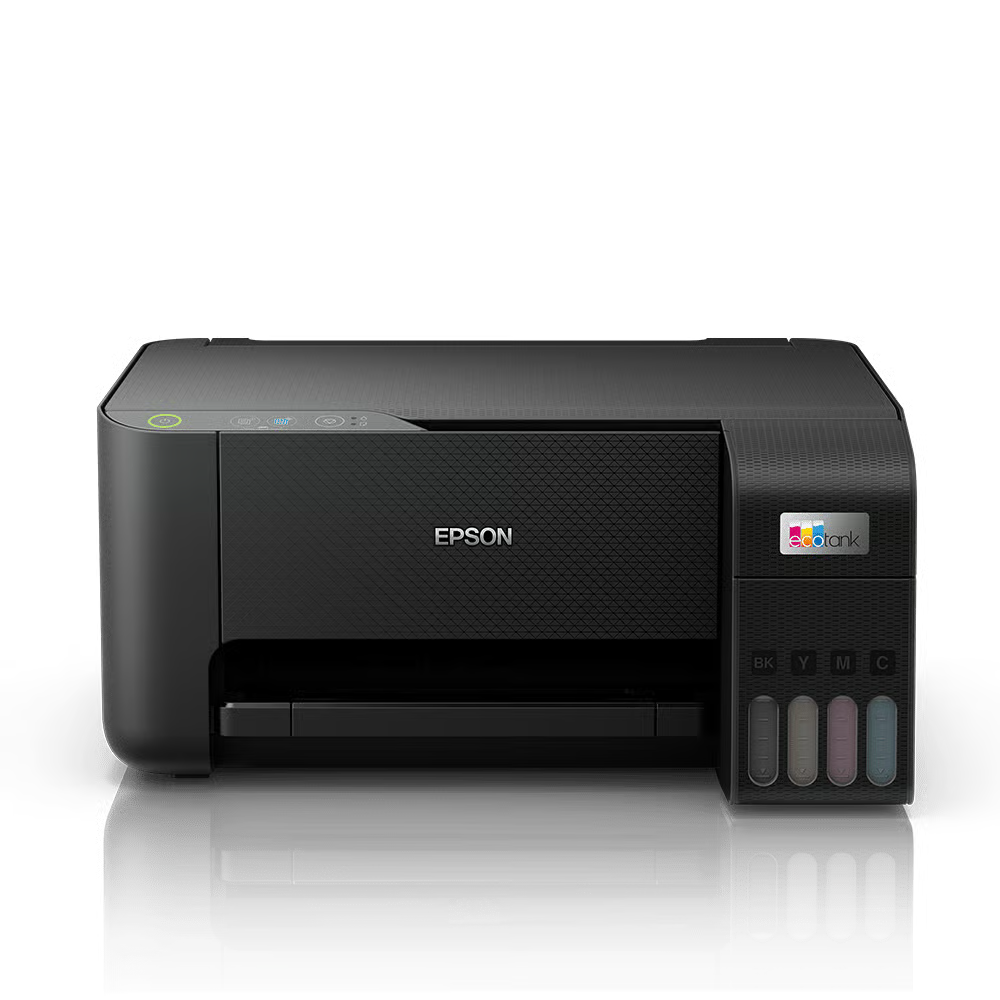
Epson Eco Tank L3250 A4 Wi-Fi All-in-One Ink Tank Printer
KSh 25,000.00 Add to cart Enquire -
Hp LaserJet M111W Printer replacement for 107w
KSh 22,000.00 Add to cart Enquire -
HP LaserJet Pro 4003dn Printer
KSh 37,999.00 Add to cart Enquire

Reviews
There are no reviews yet.